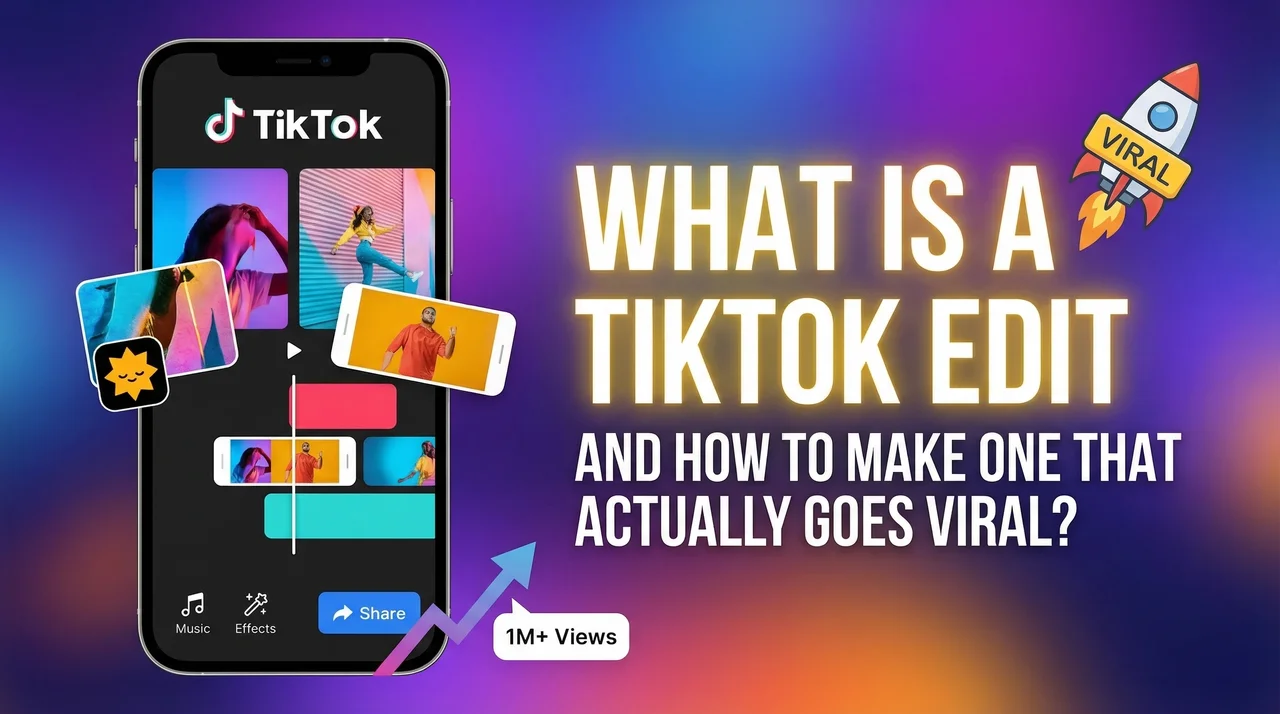
What Is a TikTok Edit, And How to Make One That Actually Goes Viral?
You've stumbled across a video that stops you cold. The clips flow perfectly with the music. The colors feel like a mood. The text fades in at exactly the right moment. You watch it twice, then a third time, and by the fourth you've already liked it, saved it, and sent it to three people.
That's a great TikTok edit, and it's one of the most powerful forms of content on the internet right now.
The good news? You don't have to spend hours in a complicated editing app to make one. With the right tool and a few clips from your camera roll, you can create a TikTok edit that looks genuinely professional, in minutes. Here's everything you need to know.
What Is a TikTok Edit?
A TikTok edit is a short video that's been intentionally crafted to create a specific look, feel, or emotional response. It goes beyond just recording and posting, an edit involves selecting clips, syncing them to music, applying color grades, adding text or effects, and shaping the whole thing into something that feels intentional.
Edits come in all styles. Some are fast-paced and high-energy, synced to every beat drop. Others are soft, cinematic, and emotional, think warm tones, slow fades, and music that makes your chest ache in the best way. Some edits tell a story. Others just create a vibe.
What they all have in common: they make you feel something. And that emotional response is exactly what drives shares, saves, and follows.
The most popular edit styles trending right now include aesthetic lifestyle edits, hopecore and soft-life content, travel montages, "day in my life" edits, and motivational videos. Each has its own visual language, but all of them reward creators who understand how to combine visuals, music, and timing.
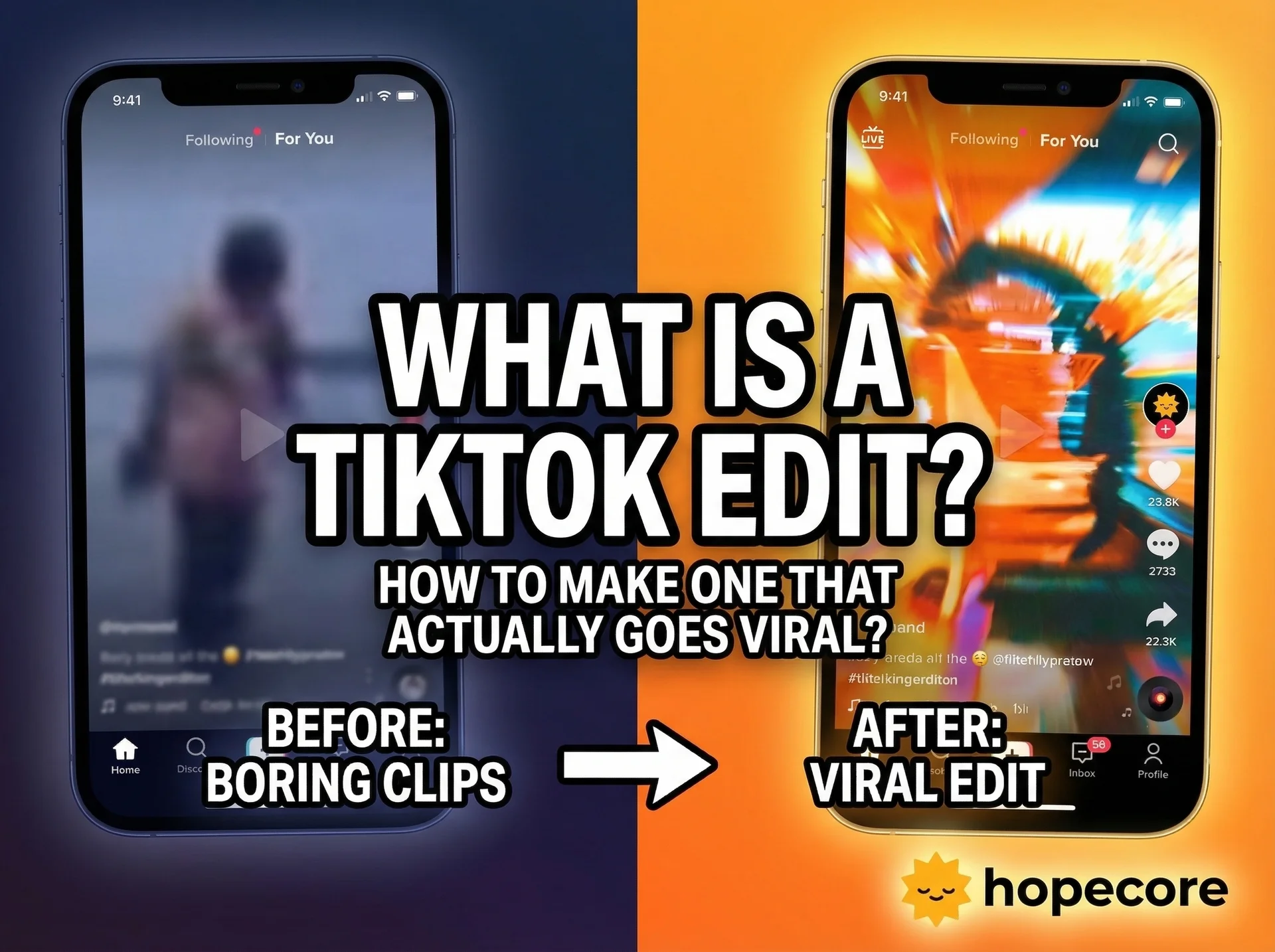
Why TikTok Edits Perform Better Than Raw Footage
Raw footage is fine. Edited content wins.
Here's why: TikTok's algorithm measures how long people watch your video, how often they replay it, and whether they engage (like, comment, share, save). A well-crafted TikTok edit is engineered, intentionally or instinctively, to maximize all three of those signals.
When your clips are timed to the music, viewers feel a satisfying rhythm that keeps them watching. When your color grade creates a cohesive aesthetic, the video feels worth rewatching just to experience that visual mood again. When your text overlays land at the right moment, they create an emotional payoff that makes people want to save the video for later.
Edited content also signals to viewers that you care about what you're putting out, and that builds the kind of trust that turns casual viewers into loyal followers.
The difference between a video that gets 300 views and one that gets 300,000 is often not the content itself. It's the edit.
The Elements of a Great TikTok Edit
Before you start editing, it helps to understand the building blocks that make a TikTok edit work:
Music Selection. The track sets everything, the pace, the mood, the emotional arc. Great TikTok edits treat music as the foundation, not an afterthought. Choose a song that already makes you feel something, and let it guide every other creative decision.
Visual Flow. The best edits feel like the clips were made for each other. That means thinking about color consistency, visual pacing, and how one shot leads naturally into the next.
Color Grading. The aesthetic "look" of your video, warm and golden, cool and cinematic, dreamy and soft, comes from color grading. It's one of the biggest factors in whether a video feels polished or amateur.
Text and Captions. When words appear on screen matters just as much as what they say. Text that lands on a beat, or right before an emotional musical swell, hits completely differently than text that feels randomly placed.
Pacing and Rhythm. Fast cuts create energy. Slow, lingering shots create feeling. The best edits know when to do each, and often use both in the same video.
Mastering all of this manually takes time. Which is why the smartest creators are turning to AI to handle it for them.
How to Make a TikTok Edit With the HOPECORE App
The HOPECORE app is an AI-powered video creation tool designed to help anyone make beautiful, emotional, high-performing TikTok edits, no experience required. Here's how to go from camera roll to finished video:
Step 1: Download the App Available free on iOS (App Store) and Android (Google Play). Takes under a minute to set up.
Step 2: Upload Your Clips or Photos Tap the "+" button and select the content you want to work with. Everyday moments work brilliantly, walks, sunsets, coffee, quiet mornings. You don't need "perfect" footage. The AI finds the potential in whatever you give it.
Step 3: Let AI Build Your Edit This is where HopeCORE does something genuinely different. The AI analyzes your content, identifies the emotional highlights, selects the best moments, and starts assembling your edit automatically. It's not just a filter, it's making actual creative decisions based on what will resonate.
Step 4: Choose Your Sound Browse HopeCORE's curated music library and pick the track that fits your mood. The app auto-syncs your visuals to the rhythm, so every cut lands on the beat without you having to time anything manually.
Step 5: Apply Your Aesthetic Pick a color grade from HopeCORE's signature style presets, warm hopecore tones, soft cinematic looks, golden-hour palettes. One tap and your whole video gets a cohesive visual identity.
Step 6: Add Text (Optional) Choose an affirmation, a caption, or write your own message. HopeCORE's text styles are designed specifically for TikTok aesthetics, so nothing looks mismatched or out of place.
Step 7: Export and Post Hit export, and your video is automatically optimized for TikTok's format and dimensions. Share directly to the app or save to your camera roll.
Start to finish? Most people finish their first edit in under three minutes.
TikTok Edit Ideas to Try Right Now
Not sure what to make? Here are some ideas that consistently perform well, and that work perfectly with the HopeCORE aesthetic:
The "small moments" edit. Take 5–6 clips of ordinary daily life, your morning routine, a walk outside, your pet, your coffee cooling. Set it to gentle, reflective music. Add a simple caption like "this is enough." These edits consistently go viral because they make people feel seen.
The transformation edit. Before and after, old and new, then and now. Pair it with a hopeful, swelling track and let the visual contrast do the storytelling.
The travel memory edit. Even if your "travel" is just a different part of your city, curated clips with the right music and color grade can make anywhere look cinematic.
The affirmation edit. Just beautiful visuals, soft music, and words that someone needed to hear today. Simple, powerful, endlessly shareable.
The seasonal vibe edit. Capture the current season, winter light, spring flowers, summer heat, fall colors, and turn it into a 15-second mood piece. People are always searching for this kind of content.
Who Should Be Making TikTok Edits?
The short answer: anyone who wants to grow on TikTok.
If you're a content creator trying to build a following, polished edits will distinguish you from the sea of unedited content and signal to the algorithm that your videos are worth promoting.
If you're a brand or small business, TikTok edits that show your product or service through a cinematic, emotional lens will outperform traditional promotional content every single time.
If you're just someone who wants to share their life more beautifully, a parent documenting their kids growing up, a traveler capturing memories, someone who wants to turn their healing journey into something that helps others, HopeCORE gives you a voice and a visual style that feels genuinely yours.
And if you've ever felt like "I'm not creative enough to make good videos", that's exactly the belief the HOPECORE app was built to disprove.
Why HopeCORE Is the Best App for TikTok Edits in 2025
There's no shortage of video editing apps. But most of them were built for people who already know how to edit. They hand you a timeline, a library of effects, and a set of controls, and expect you to figure out the rest.
HopeCORE is different because it was built around a specific creative vision. The hopecore aesthetic, soft, warm, emotional, uplifting, is one of the most viral visual styles on TikTok right now. And instead of giving you tools to try to recreate it, HopeCORE has the aesthetic built directly into its AI.
You're not trying to replicate what you've seen other creators do. You're using an app that was designed from the ground up to produce that exact result.
For anyone who wants to create TikTok edits that feel beautiful, authentic, and worth sharing, without spending hours learning a new skill, HopeCORE is the simplest, most powerful option available.
Start Making TikTok Edits Today
The creators who grow fastest on TikTok aren't necessarily the most talented editors. They're the ones who show up consistently with content that makes people feel something.
HopeCORE gives you everything you need to do exactly that, starting with your very first video.
Download HopeCORE.VIDEO free today on the App Store or Google Play. Pick up your phone, grab a few clips from your camera roll, and have a finished TikTok edit ready to post before tonight.
Your audience is out there, waiting for content that actually moves them. Go give it to them.
Frequently Asked Questions
What is a TikTok edit? A TikTok edit is a video that's been intentionally crafted using clips, music, color grading, and text to create a specific mood or emotional experience. Unlike raw footage, an edit is designed to keep viewers watching, rewatching, and sharing.
How do I make a TikTok edit as a beginner? The easiest way is to use the HOPECORE app. You upload your photos or video clips, and the AI automatically handles the editing, music sync, color grading, text overlays, and formatting, so you can create a polished TikTok edit with no experience at all.
What type of edits perform best on TikTok? Videos that create a strong emotional response consistently outperform content that's purely informational or unedited. Soft aesthetic edits, motivational content, hopecore-style videos, and cinematic lifestyle edits are among the most reliably viral formats right now.
What's the best app for TikTok edits in 2025? For beginners and anyone looking to create beautiful, emotional content quickly, the HOPECORE app is one of the best options available. Its AI does the heavy lifting, music matching, color grading, pacing, while keeping the process simple enough for anyone to use.
How long should a TikTok edit be? Most high-performing TikTok edits run between 15 and 60 seconds. Shorter edits (15–30 seconds) tend to have higher completion rates, which boosts algorithmic distribution. HopeCORE automatically optimizes your video length when you export.